文章
Slave to Slave communication with esd EtherCAT Workbench
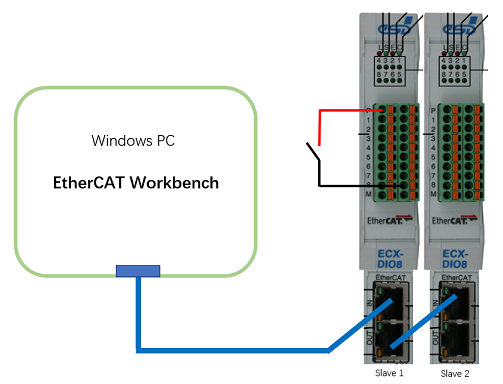
Demo System
配置
系统进入PreOP后,点击 Slave2Slave Communication -> Add PDO mapping,Input中选 Slave 1的 channel 8,Output to be mapped 中多选 Slave 2 的channel 1, 2, 3。
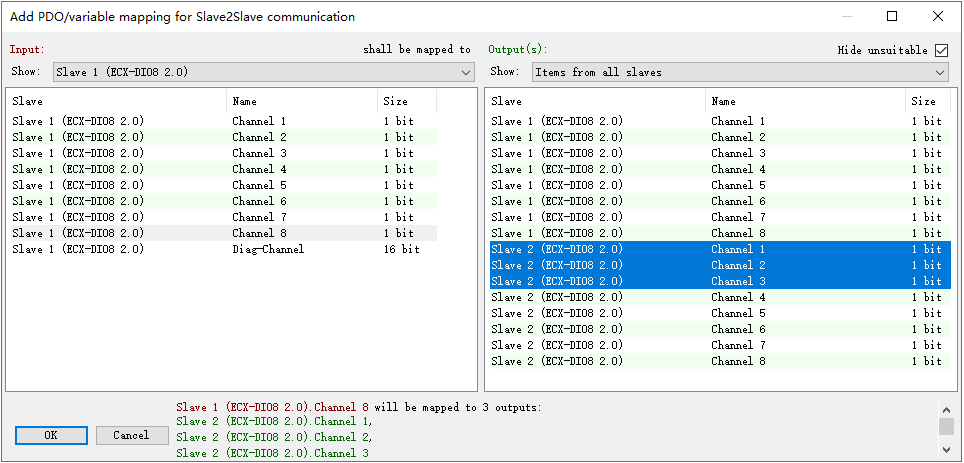
设定好,点击OK,返回上层画面,可以看到配置已经完成。

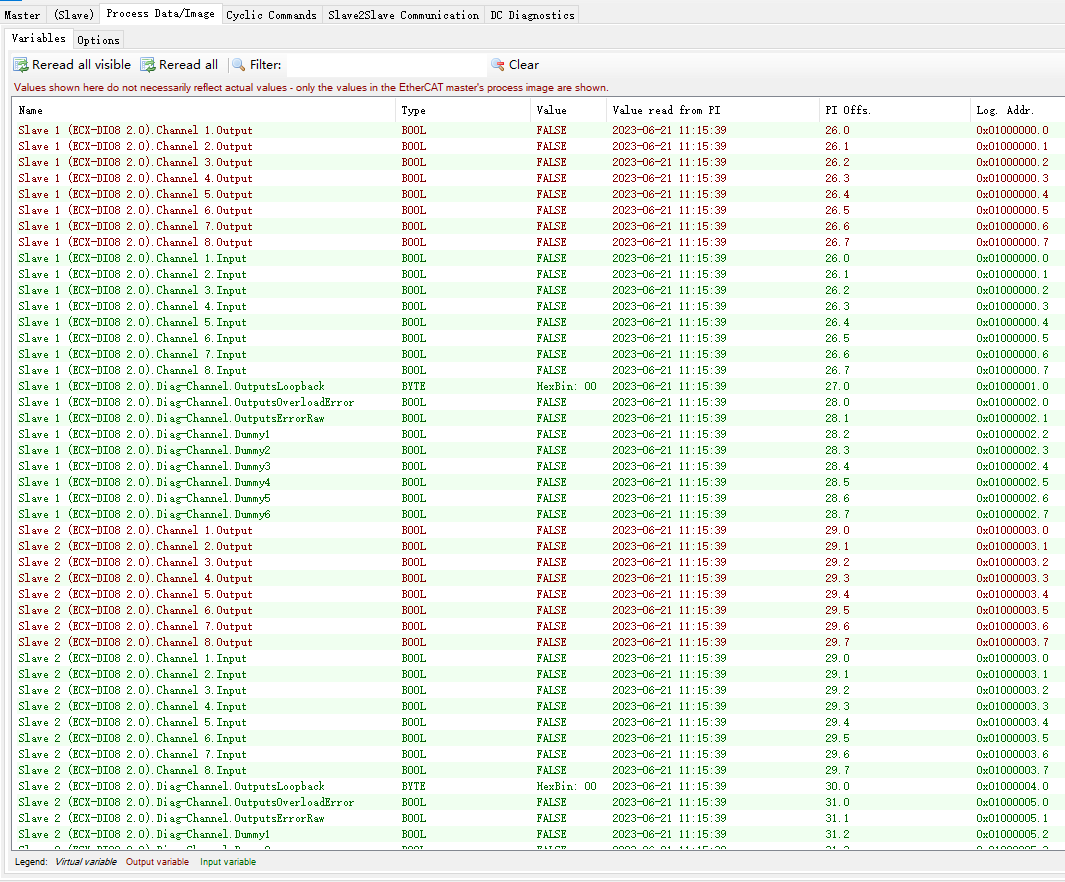
点击 Free run 进入 OP,保持Slave 1 channel 8的开关没有合上,点击 Process Data/Image -> Reread all,可以看到所有的 IO 口状态都为 false。
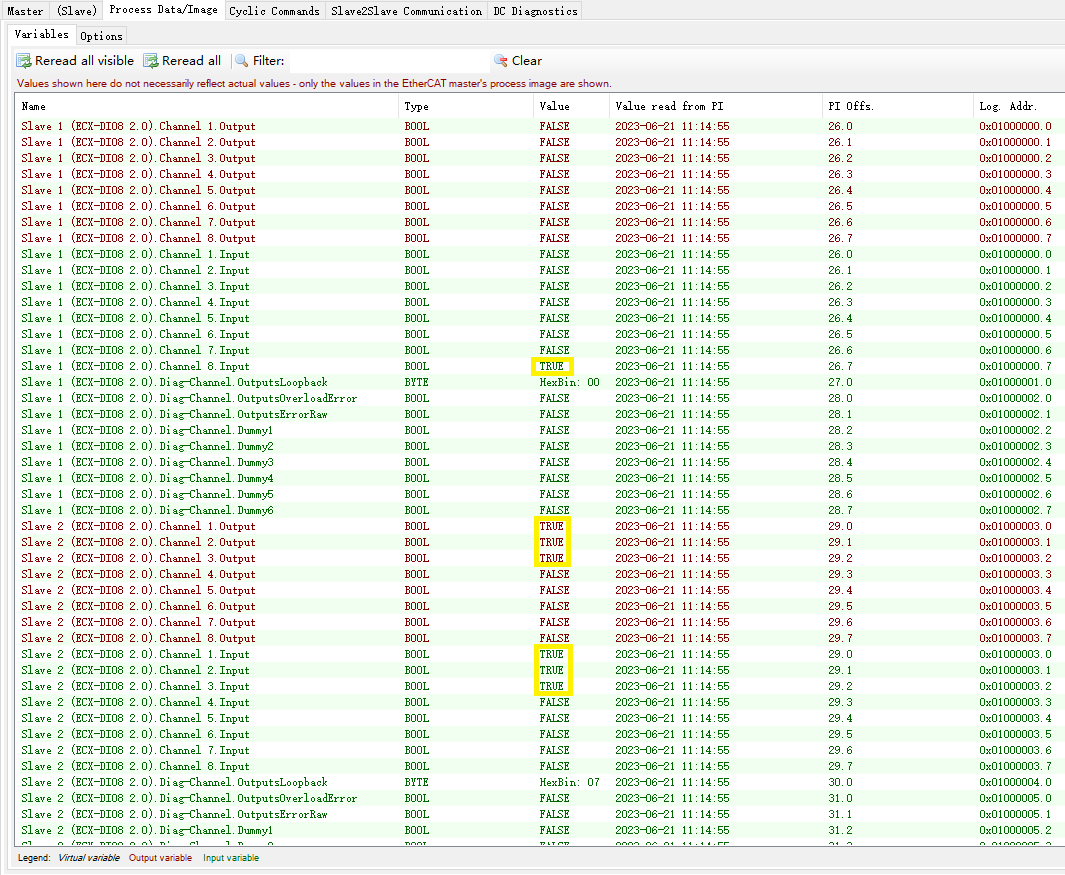
合上 Slave 1 channel 8的开关,点击 Process Data/Image -> Reread all,可以看到Slave 1 channel 8 和 Slave 2 channel 1,2,3 都变为 true 了。